Your home screen still displays Apple’s default background. You’ve been supporting PSG for years, but your iPhone doesn’t show it. Finding a PSG wallpaper that looks really good on a Retina display requires a bit more than just typing a query into Google Images.
Resolution and aspect ratio: what makes a PSG wallpaper sharp on iPhone
An image that looks fine on a computer screen can become blurry once applied to an iPhone. The reason lies in the display ratio and pixel density specific to Retina and Super Retina displays.
For a PSG wallpaper to display without artifacts, the source image must match the 19.5:9 aspect ratio used by recent models. A square image or one in 16:9 will be automatically cropped by iOS, and the club logo may end up cut off or misaligned.
You can check the resolution of an image directly from the Photos app. Tap the info button (the small “i” at the bottom of the screen): iOS will then display the dimensions in pixels. Aim for a width of at least 1170 pixels to cover the majority of iPhones in circulation.
In fact, by taking the time to discover PSG wallpapers for iPhone in dedicated galleries, you can find visuals already optimized in the right format, with no editing needed.
Dark PSG wallpapers: the best choice for OLED screens
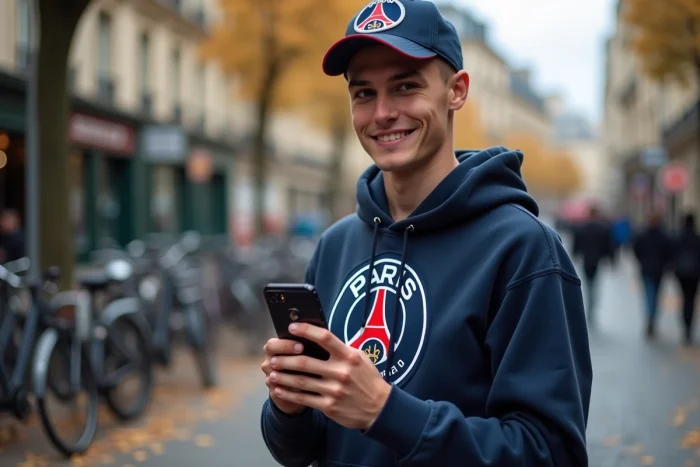
iPhone models equipped with an OLED screen (the entire Pro range, and standard models for several generations) turn off individual black pixels. A predominantly dark wallpaper thus consumes less battery than a light visual.
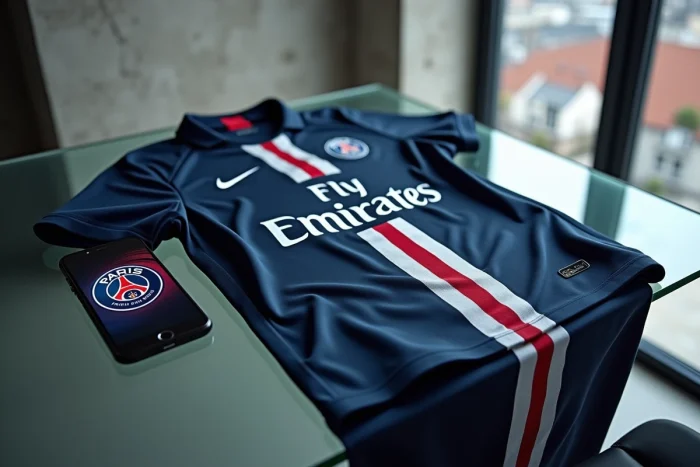
PSG uses navy blue and black as its main colors. The club’s recent official visuals feature clean compositions, with strong contrasts between the logo, typography, and background. These dark wallpapers are naturally suited for OLED displays.
Beyond battery life, a black background improves the readability of overlapping elements by iOS: the lock screen clock, widgets, and Dynamic Island stand out better against a dark background. If you’re torn between two visuals, prefer the one that leaves dark space at the top of the screen, where these elements concentrate.
Adapting a PSG wallpaper to the iOS lock screen
Since iOS 16, the lock screen features a layering system. The clock can go behind an element of the visual (a player, the top of the logo) if iOS detects a foreground subject. With a well-contrasted PSG background, this depth effect works without manual intervention.
To activate or deactivate this effect, press and hold the lock screen, tap “Customize,” then check the “Depth Effect” option. Not all visuals trigger this option: iOS needs a sharply cut-out subject to offer it.
Animated PSG wallpaper on iPhone: what really works
You may have seen “live wallpapers PSG” circulating on social media or in some third-party apps. The promise of an animated background in the club’s colors is appealing, but the technical reality on iPhone deserves clarification.
Apple has removed native support for Live Photos as animated wallpapers on recent models running iOS 17 and later. Apps that offer animated PSG wallpapers use workarounds, and the result depends on the iPhone model and the version of iOS installed.
A high-quality static wallpaper remains more reliable than an animated one that doesn’t animate. Before downloading a dedicated app, check that it is compatible with your version of iOS. Some apps also require access to your personal data or photo library to function, which has nothing to do with displaying a wallpaper.
Criteria for choosing a reliable wallpaper app
- The app is available on Apple’s official App Store, with recent reviews and a decent rating
- It does not request access to your contacts, location, or photos to display a simple wallpaper
- The images offered are in high resolution, with a preview before download that allows you to check the rendering
Customizing your PSG iPhone beyond the wallpaper
The wallpaper is just a starting point. iOS allows for further customization in the colors of the Parisian club.
- Home screen widgets can display the match calendar or live scores via sports apps, with a dark theme that matches a PSG background
- Custom icons via the Shortcuts app allow you to replace standard icons with versions in blue and red
- The lock screen allows for multiple configurations: you can create a “match day” profile with a team visual, and a daily profile with just the logo
Creating multiple themed lock screens takes just a few minutes. Press and hold the lock screen, swipe to the right, and tap the “+” button to add a new configuration. Each profile can have its own wallpaper, widgets, and clock style.
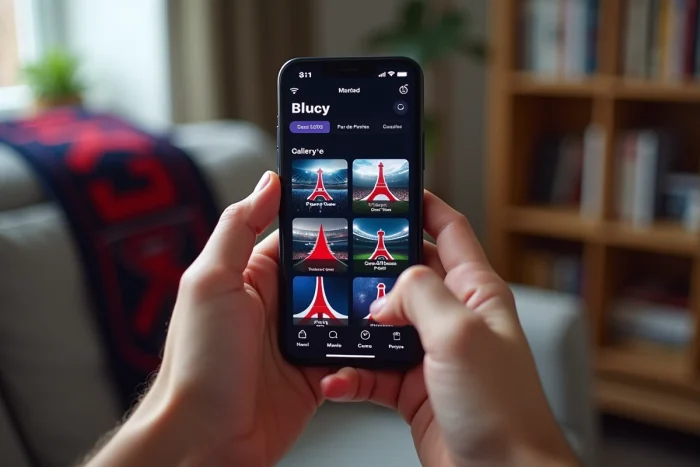
PSG has strengthened its visual identity in recent seasons with more refined visuals, better suited for mobile formats. The best images to customize your iPhone can be found in specialized galleries and the club’s official accounts, not in generic search engine results. Take the time to check the resolution before applying a wallpaper, and prefer dark compositions that take advantage of your iPhone’s OLED technology.